I crafted the following copy examples in response to the Daily UX writing prompts. I used Figma to design wireframes. Brand names, logos, and images used in this exercise belong to their respective owners.
Scenario #1
The user entered the wrong email address to sign in to their account.
Challenge
Tell the user to enter the right email. 40 characters max.
Solution
How this message is written depends on the product, user, and the workflow. I’ve picked two investment brokerage firms with two different flows:
- Vanguard: The user can sign in using either email or their username. If they don’t remember either, they can verify their identity using their SSN, birth date, and other details.
- Robinhood: The user must use their email. If they forget their email, they must verify their identity to sign in. Verifying identity involves uploading ID, contacting Support, etc.
For both, assume the user is trying to sign in on their website.
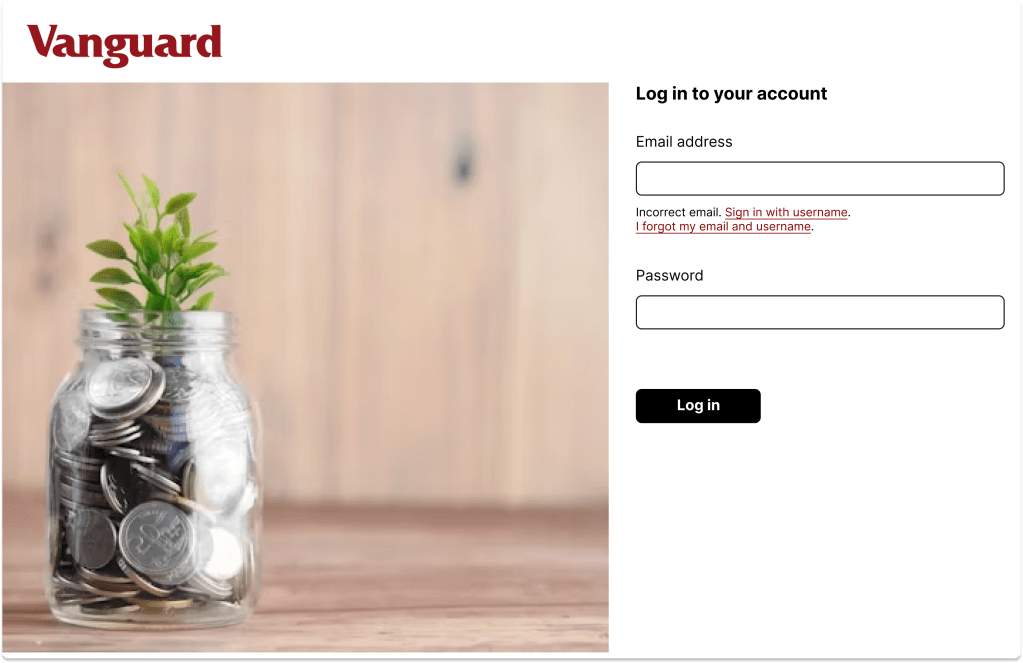
Solution 1: Vanguard
Incorrect email. [Sign in with username].
[I forgot my email and username].
The first link takes the user to the Username sign-in page. The second link takes them to the Verify My Identity page.
Adding the second link on this page avoids the infinite loop the user may get stuck in if they can’t remember their username.
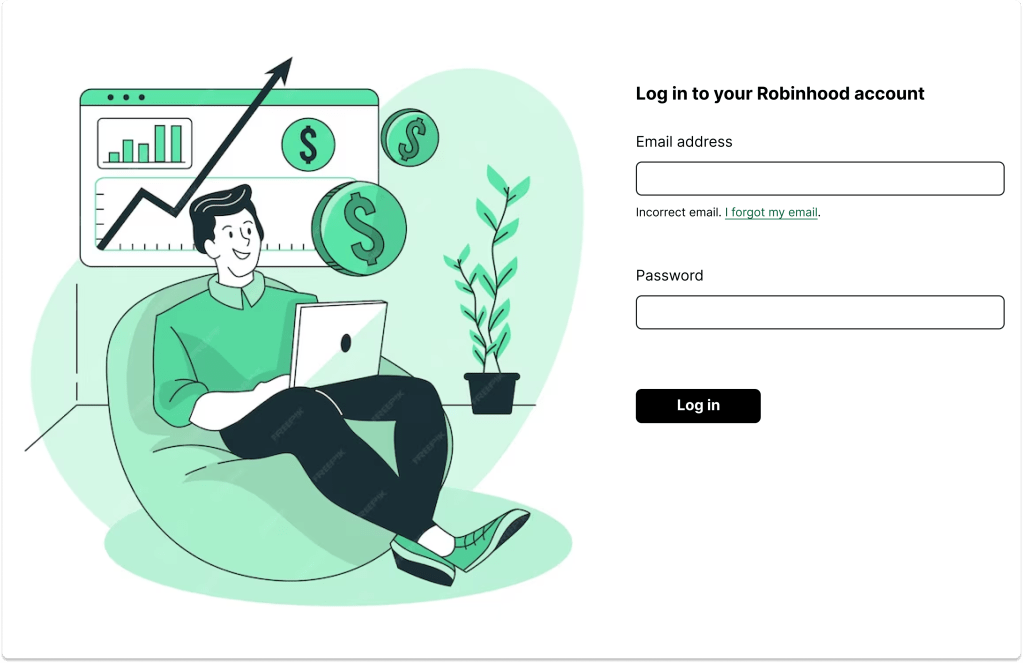
Solution 1: Robinhood
Incorrect email. [I forgot my email].
The link takes the user to the verification page where they can provide more information to the company to verify their identity.
Scenario #2
A user is creating an account. When they come to the step where they are asked to enter their name, they get an error message. A fraud detection software thinks their name is fake—but it’s wrong 5% of the time.
Challenge
Write an error message that prompts them to fix the error without shaming them for having a fake-sounding name.
Body: 45 characters max
Solution
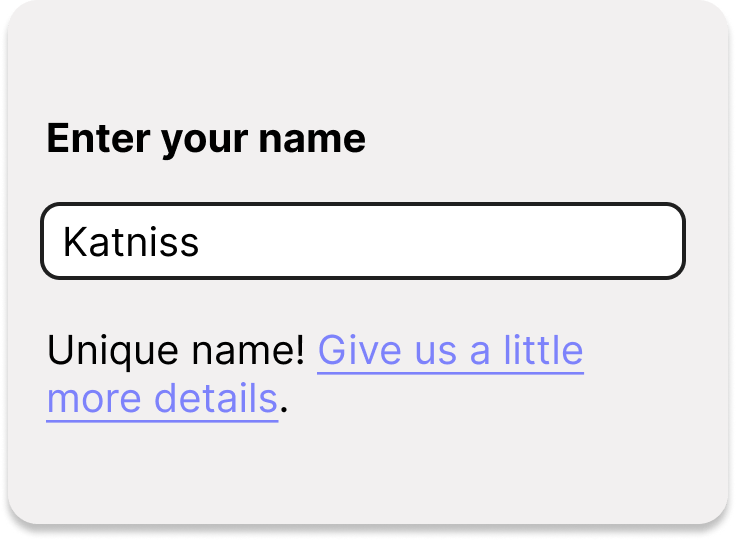
Let’s assume when the system flags a name, the user must verify their name by uploading an ID. This verification happens on a new page. An error message is displayed under the name field if the system doesn’t recognize it, with a link to the verification page. I’ve written the link as a Call to Action, so the user knows they need to take further action.
Unique name! [Give us a little more details].
 Nikita Apraj